
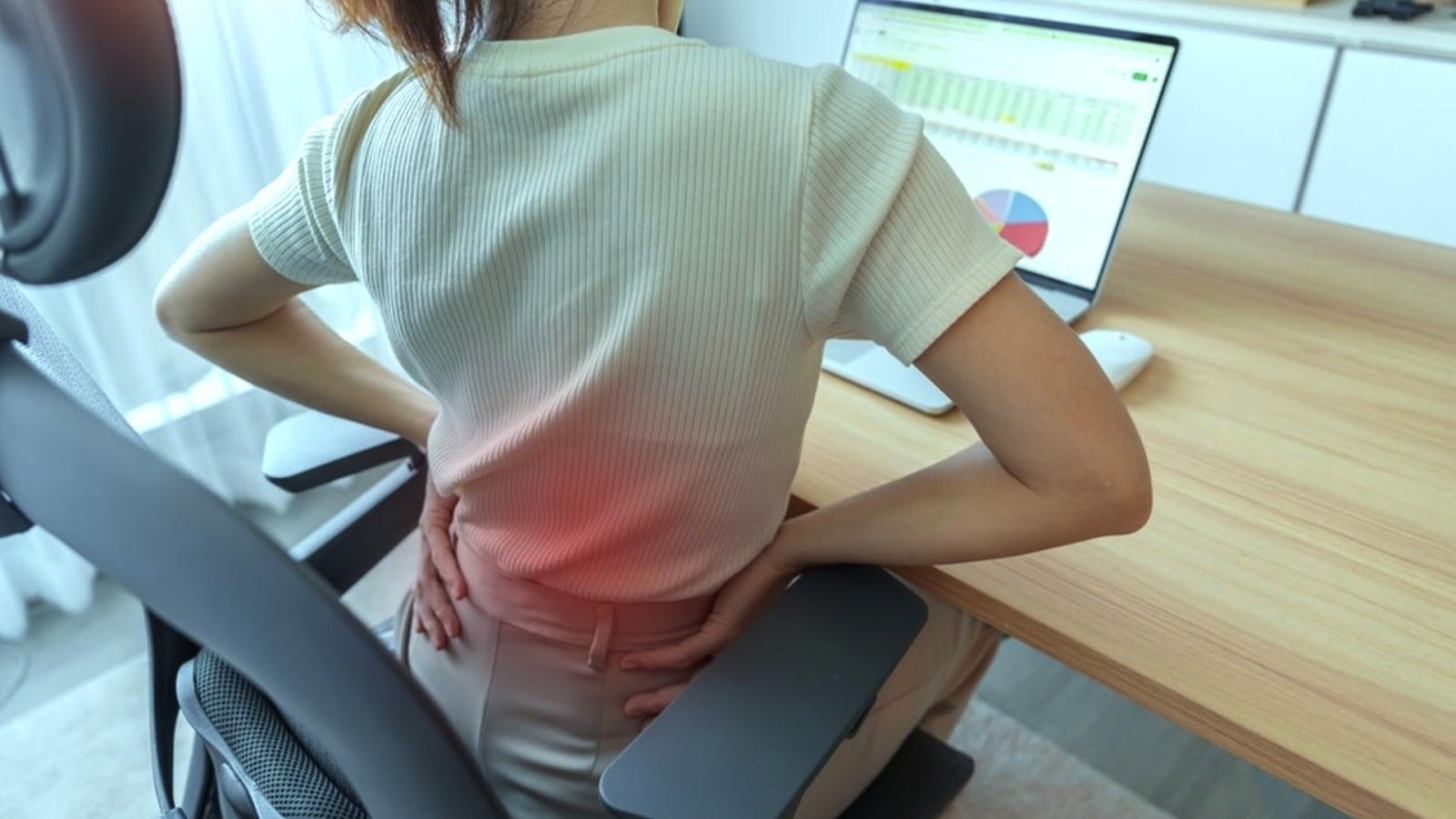

Ergonomics is the practice of fitting tools, spaces, and tasks to the human body. It shapes how you sit, stand, lift, and type, and it affects comfort during routine tasks. When a setup matches your body, movement feels smoother because joints and muscles face less strain. This is how ergonomics helps support steady work, improve daily energy, and lower injury risk:
Reducing Physical Strain
Poor posture loads the neck, back, and wrists, and repeated stress builds over time. Using ergonomics, a chair with lumbar support helps, and when your screen sits at eye level, your neck stays in a more neutral position. Small changes may reduce daily strain, but the setup must match your height and task.
If your elbows rest near your sides, your shoulders stay more relaxed. At home, strain may start during chores, and the same body parts get overused. Use both hands when lifting. Since awkward reaching twists the spine, keep items between knee and shoulder height.
Increasing Productivity
A poor workstation breaks focus, and discomfort pulls attention away from the task. Short adjustments help. When tools stay within easy reach, you waste less motion during work.
Try these workstation checks:
- Screen at eye level
- Keyboard near elbow height
- Feet flat
- Mouse close by
These steps reduce extra movement, and they support a steadier pace. Discomfort may be reduced. Since fewer awkward motions interrupt your flow, tasks may feel more manageable.
Improving Energy Levels
Body position affects energy, and muscle tension drains effort during the day. Sit upright. When your body does not fight the setup, you use less effort to stay in place.
Long periods in one posture increase fatigue, but short movement breaks help reset the body. Stand every 30 to 60 minutes. Since circulation improves with regular movement, many people feel less stiff by midday.
Lighting, screen glare, and viewing distance also affect alertness, and eye strain adds to fatigue. Adjust brightness to match the room. If you squint at the screen, your face and neck tighten without notice.
Preventing Injuries
Repeated motion may irritate tendons, and poor alignment increases tissue stress. Lift with your legs. When you bend and twist at the same time, injury risk rises.
Problem areas include:
- Wrists during typing
- Lower back during lifting
- Neck during screen use
Early warning signs often appear first, but many people ignore them. Numbness, soreness, or tingling matters. If pain keeps returning during the same task, your setup needs review.
Take regular breaks to reduce strain and allow your muscles to recover. Overusing the same muscle groups can lead to fatigue, and this may lead to chronic injuries. If you notice recurring discomfort, adjust your posture or modify your workspace to better support your body’s natural alignment.
Learn More About Ergonomics
Ergonomics supports safer movement, and it helps you spot problems in daily routines. Start with one area today. Schedule a visit with a wellness center to learn more about ways to live pain-free. Since small adjustments add up over time, review your chair, screen, and lifting habits this week.
